Features · Review and coding
Coded once, already filled in next time.
Invoices from a supplier almost always go to the same accounts. fineelik remembers that and codes the next invoice the same way. You confirm instead of searching.
Review
Everything at a glance.
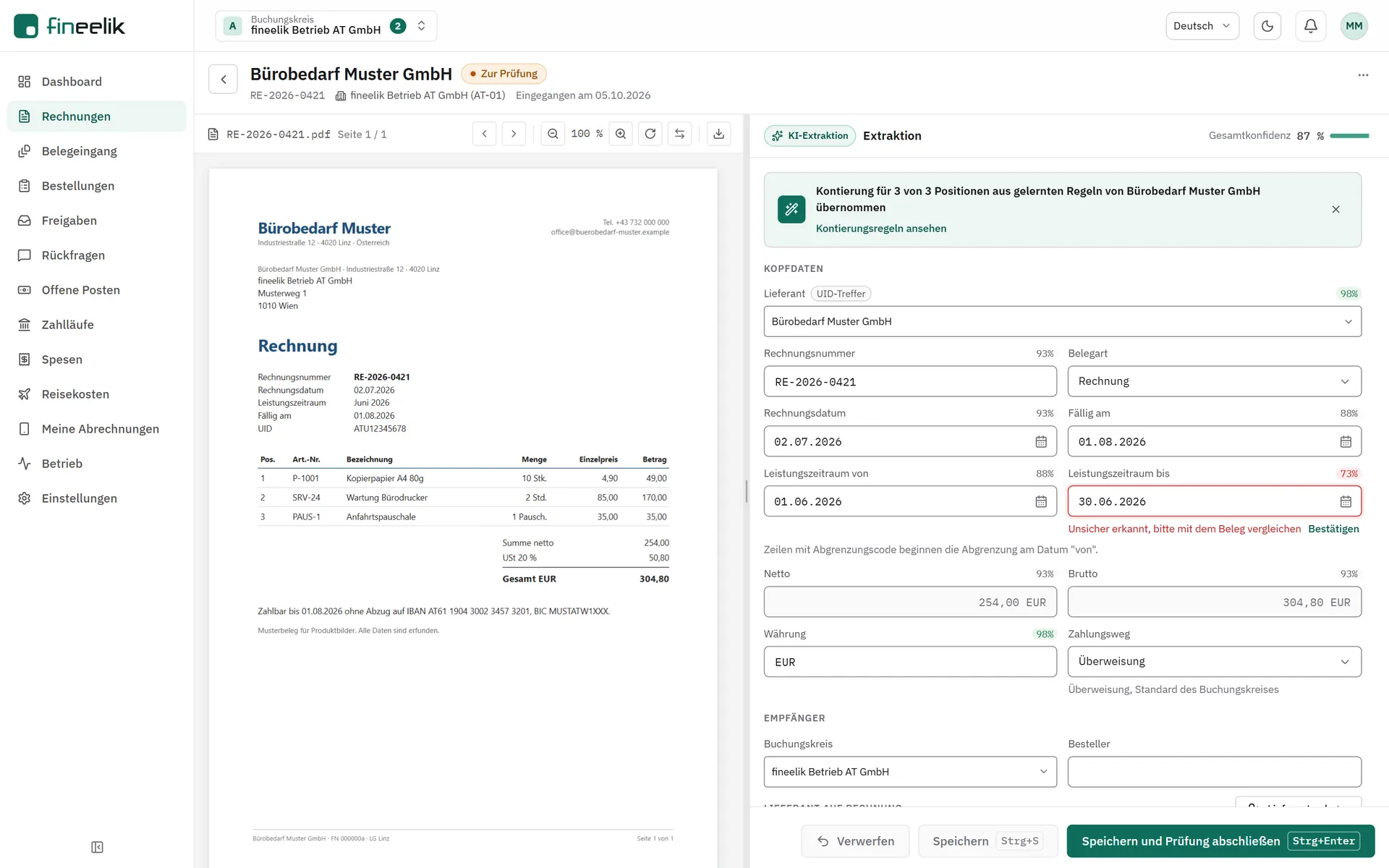
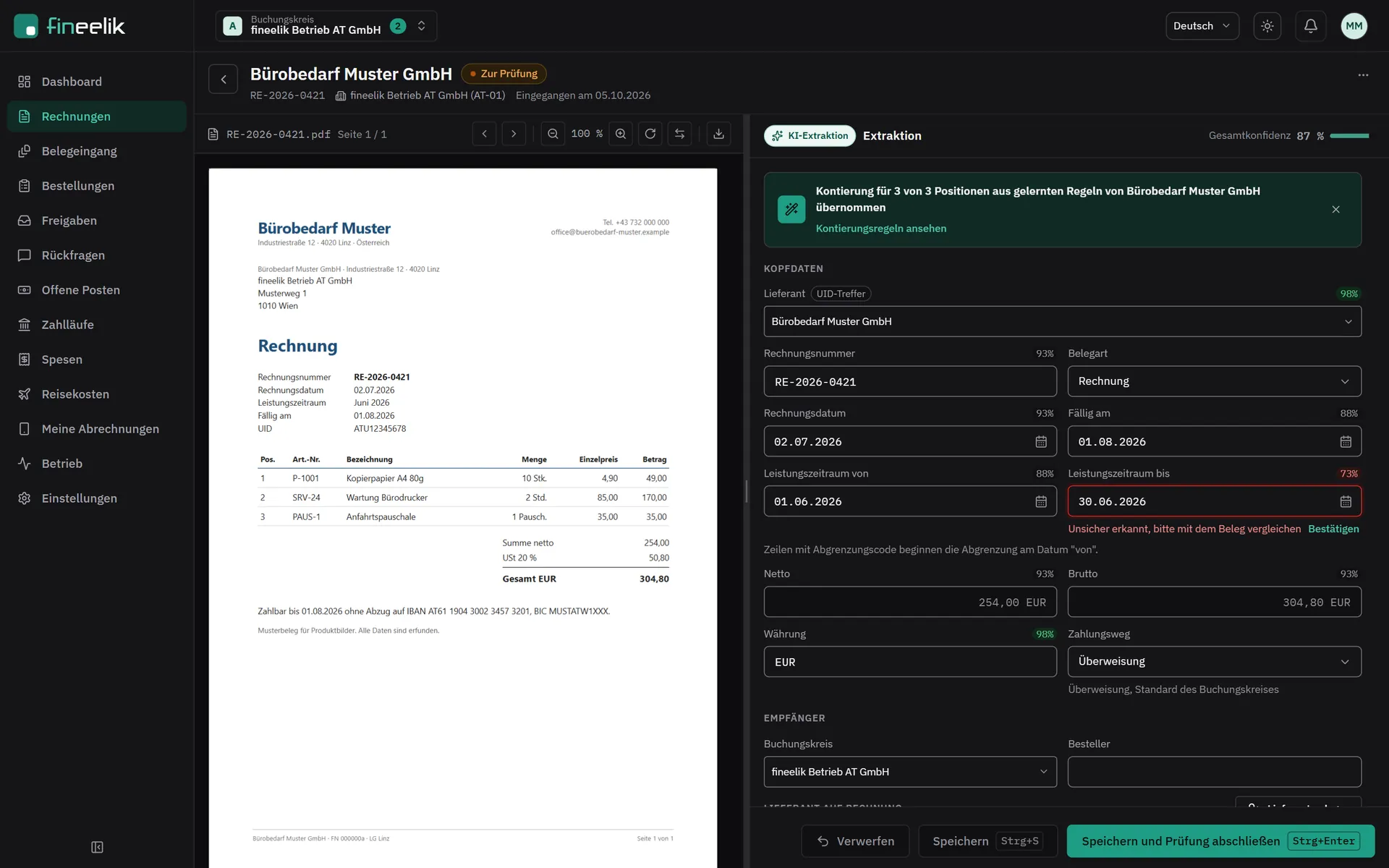
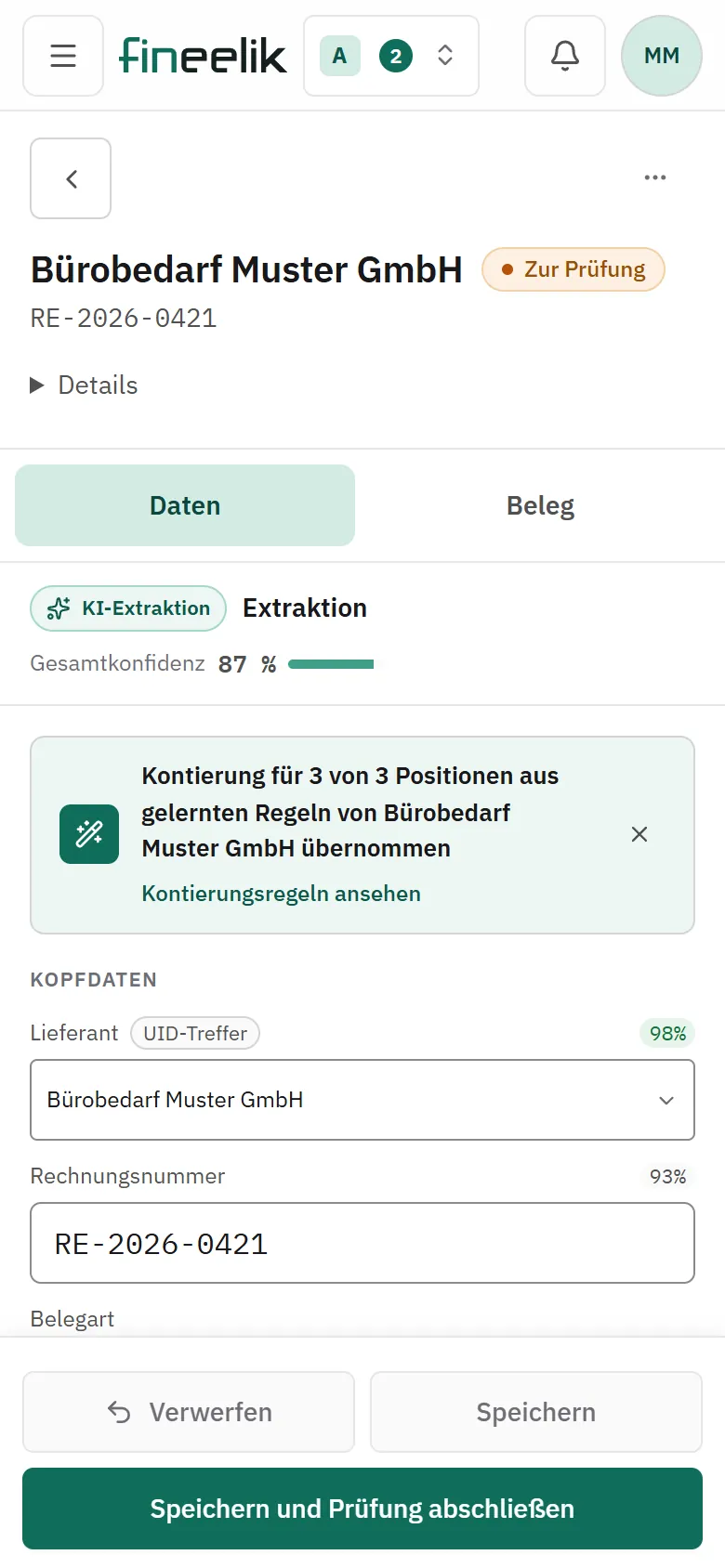
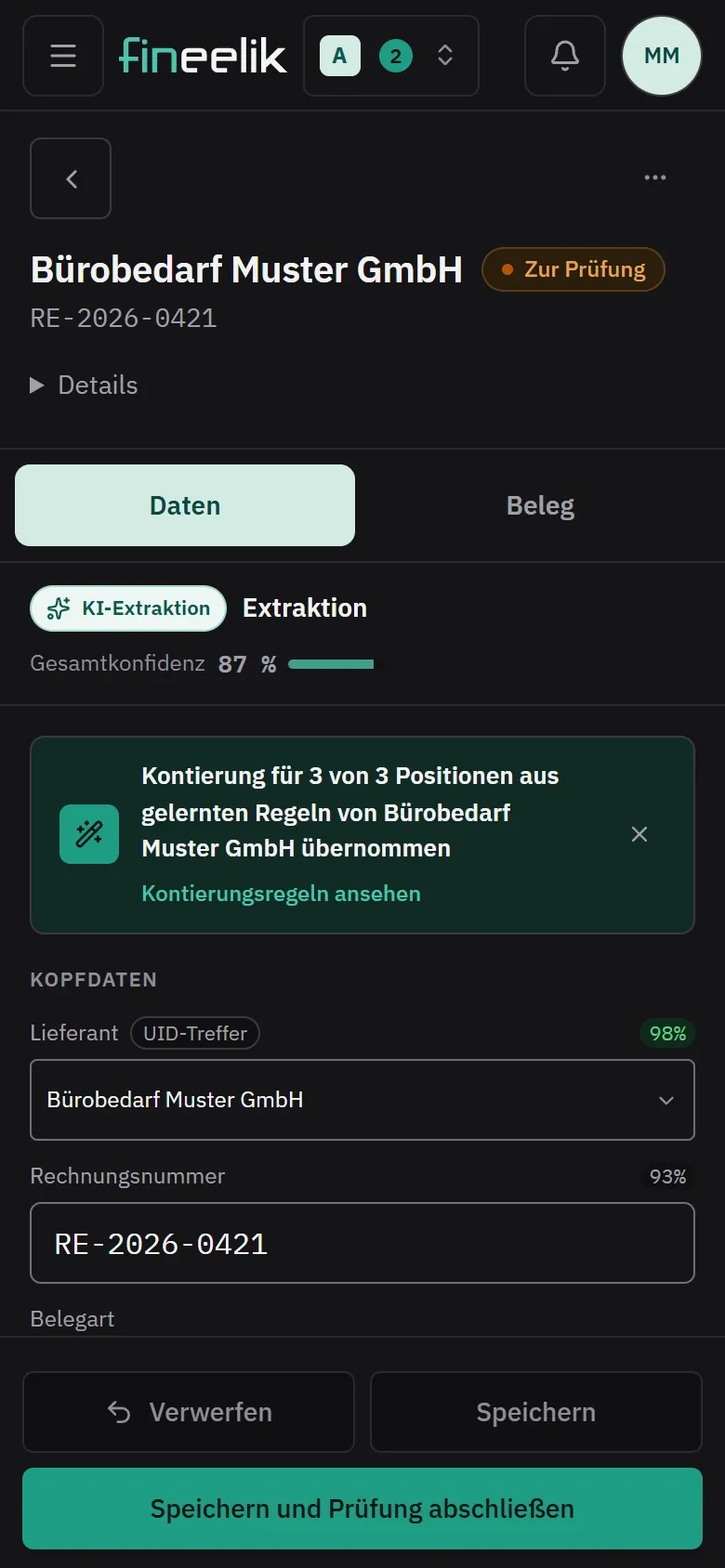
Invoice and result side by side, switchable on your phone.
Confirm the supplier, look at amounts and tax, code the lines.
Why an invoice comes up for review is shown right with it, for example a new supplier or a total that does not add up.
If something is missing, ask the person who uploaded the receipt, right from the review. Question and answer stay with the invoice.
Finish the review, and the next invoice is already there.
Invoices where everything fits move on without a stop.
Coding rules
Rules that grow out of your work.
Per supplier. Which line goes to which G/L account, which cost centre, which cost object: fineelik sets that per supplier.
Learning from every review. What you code becomes a rule or confirms an existing one.
Learning from your ERP. fineelik looks at how you have posted so far and starts with that from day one. With BMD NTCS, fineelik learns the assignment from the posting journal of your tax adviser.
Traceable. Every coding shows where it comes from. Rules can be viewed, paused and deleted.
Default coding. For new suppliers you store a suggestion until the first rule is in place.
Tidy up with AI. The AI proposes how to clean up duplicate groups, contradictions and rules unused for a long time. You accept what fits and can undo everything.
Pre-coded from day one0:26
fineelik learns from your posted invoices before you review the first one.
Video transcript
- First day with fineelik. Not a single invoice reviewed yet.
- fineelik reads how you have coded so far. From the posted invoices of the last two years in Business Central.
- Rules per supplier emerge from that. Account, cost centre, tax.
- The first invoice is already filled in. You confirm, fineelik keeps learning.
- Review incoming invoices instead of retyping them. Request a demo at fineelik.com
AI assistance
A suggestion when no rule fits yet.
If no rule fits yet, fineelik suggests the coding right after reading. Every suggestion shows how sure it is and why, and you confirm or change it. fineelik groups lines on its own, so that 30 lines become one posting, and you can get the single lines back at any time. Different vehicles or contracts on one invoice stay separate lines. It uses the supplier's history, similar lines and your company profile.
Master data
Your accounts, your fields.
You maintain G/L accounts, cost centres and cost objects directly in fineelik, import them by CSV, or pull them fresh from Business Central or ERPNext every morning.
Which coding fields exist, what they are called and which are mandatory is up to you.
fineelik reads custom fields such as a case number directly from the document and checks the format.
fineelik assigns collective vendors such as petrol stations or online shops cleanly, and payment still goes to the right supplier.
Without an ERP, you create new suppliers straight from the invoice, with the name, VAT ID and bank details from the document. Duplicates are flagged first.
If the invoice shows a different IBAN or VAT ID than the supplier record, you see it right on the invoice.
You set reverse charge per supplier and can change it per invoice.