Software for incoming invoices

Review invoices,
don't retype them.

fineelik reads your incoming invoices, codes them the way you always do, and gets better with every invoice. All you do is review and approve.

  • Works without an ERP
  • Servers in Germany
  • AI from the EU
Invoices / RE-2026-0418CapturedReadCodedFor approval

Sample Timber Ltd

7 Sawmill Road, 4020 Linz

INVOICE

No. RE-2026-0418

Date 2 Oct 2026

Spruce sawn timber, 4 m1,240.00
Delivery85.00
Net1,325.00
VAT 20%265.00
Total EUR1,590.00
Supplier
Sample Timber Ltd
Invoice number
RE-2026-0418
Invoice date
2 Oct 2026
Net
1,325.00
VAT 20%
265.00
Gross
1,590.00

Totals checked arithmetically

CodingRule per supplier
G/L account5400 Cost of materialsCost centre200 Production

Sound familiar?

Where the time goes in accounting.

  • Retyping what is already on the document

    Supplier, number, date, amounts. Every invoice transferred by hand and then recalculated once more.

  • The same coding every month

    The electricity bill arrives every month and the account is always the same. Still, someone looks it up again each time.

  • Approvals that get stuck

    Who has the invoice right now? Is that person on holiday? Usually you only find out when you ask, and by then the early-payment discount is gone.

How an invoice moves through

From the inbox to payment in five steps.

  1. 01

    Intake

    By email into your mailbox, by upload, through the interface, or straight from your archive.

    Captured
  2. 02

    Pre-check and read

    Reminders, delivery notes and duplicate invoices stand out right away. Header, lines and tax are read and recalculated.

    Read
  3. 03

    Review and code

    Document and result side by side, with the coding already filled in. You confirm or correct.

    Coded
  4. 04

    Approve

    One or several levels, with a substitute while someone is away. Every decision appears in the history.

    For approval
  5. 05

    Hand over and pay

    The SEPA file for your online banking and the export for accounting or your tax adviser. Or straight to BMD NTCS and ELO.

    Approved

Product tour

A walk through fineelik.

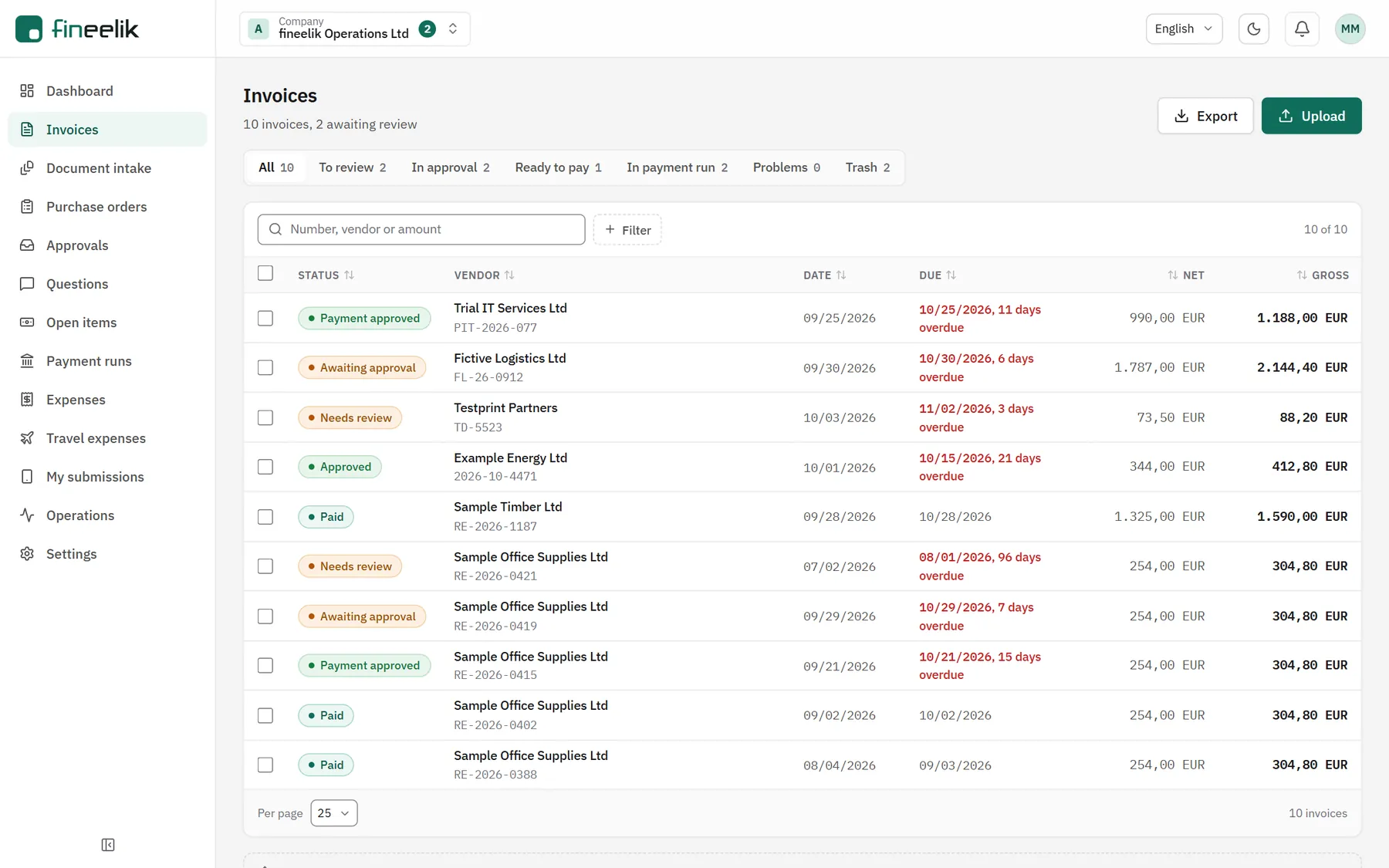
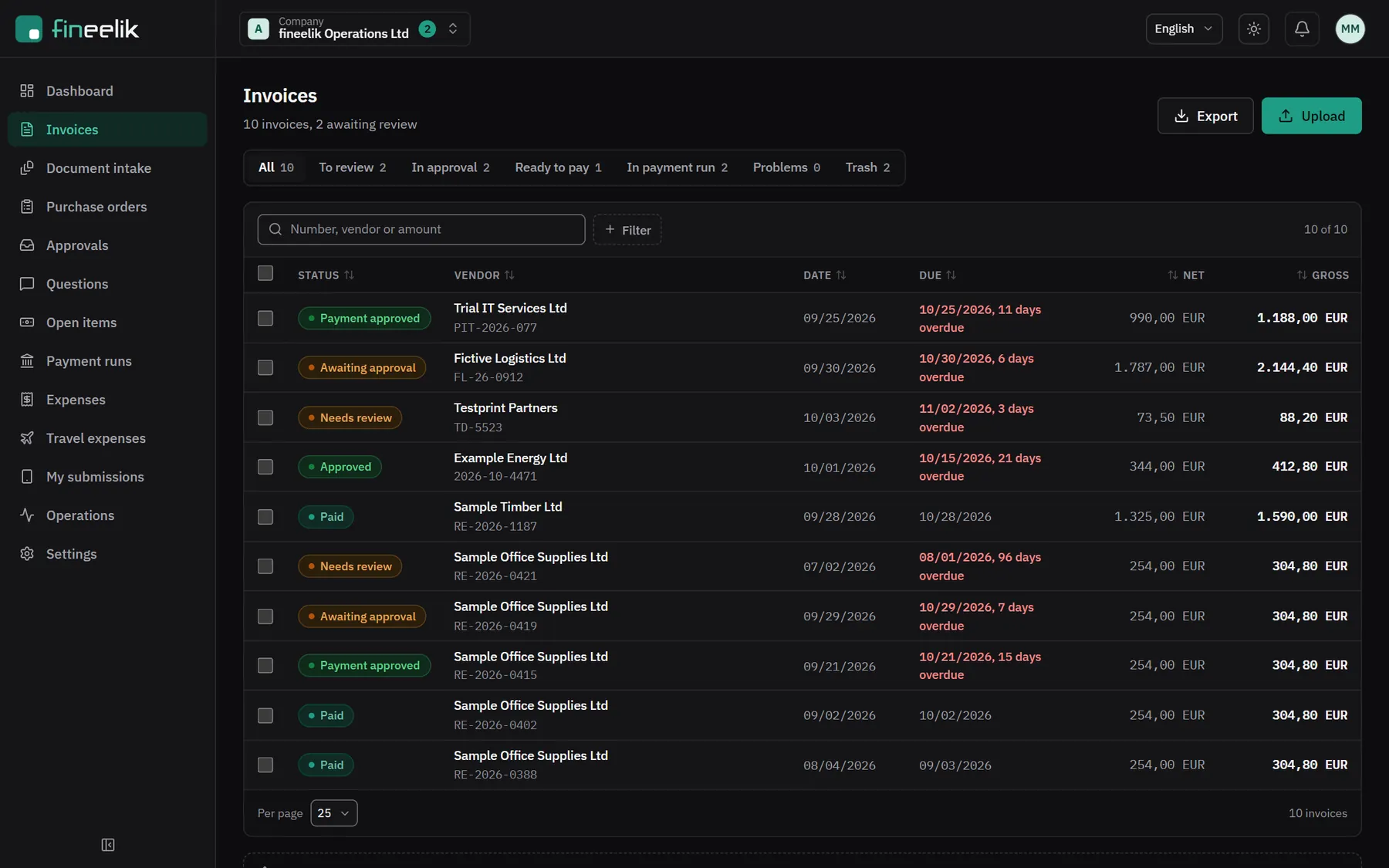
Invoice list in fineelik with status, supplier, due date and amountsInvoice list in fineelik with status, supplier, due date and amounts

View full size (opens in a new tab)View full size (opens in a new tab)

1 / 5

All invoices in one place

Every invoice with its status: to review, in approval, ready to pay, paid. You see at a glance what is due soon.

  1. 1Tabs by status, with count
  2. 2Overdue invoices stand out
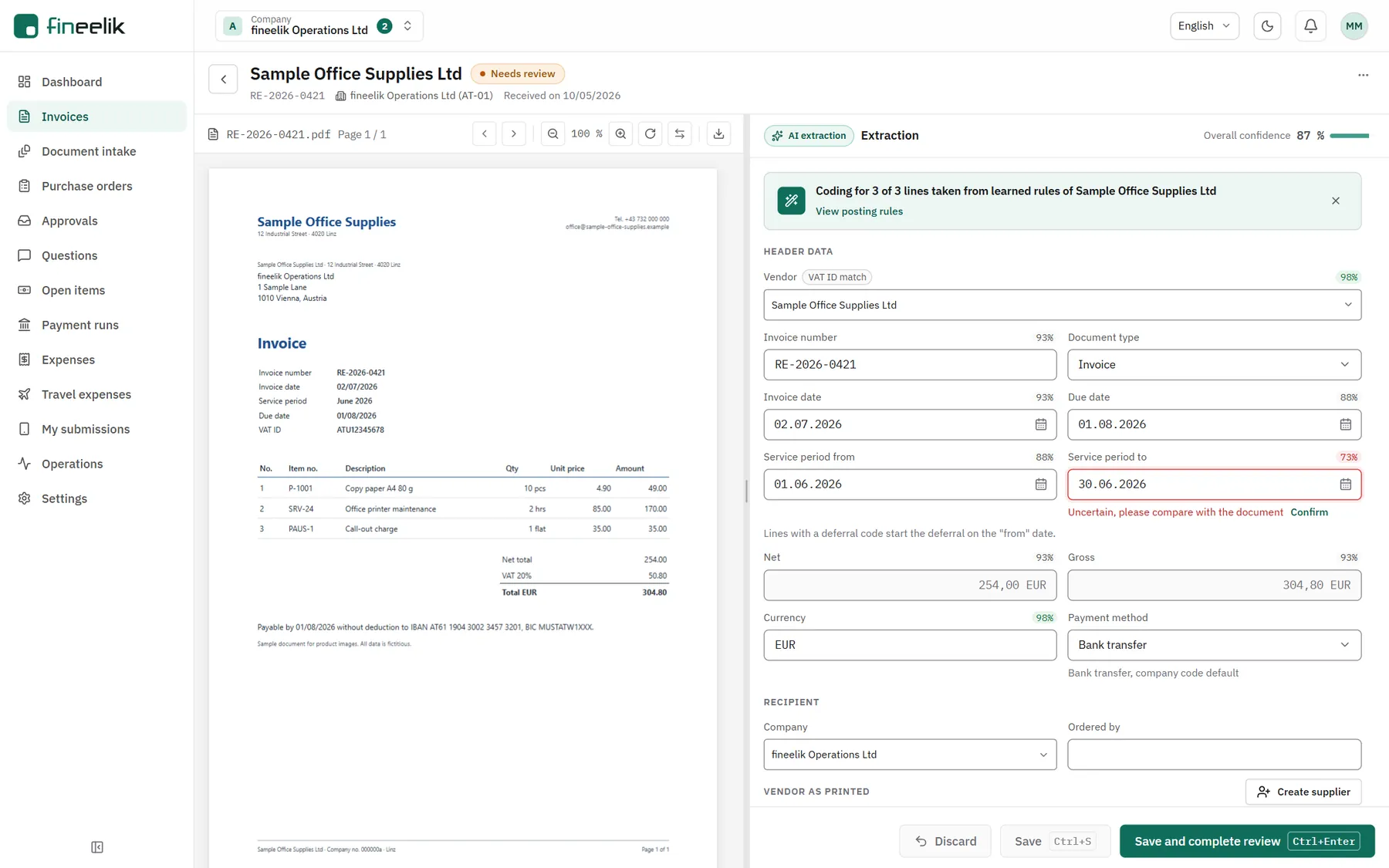
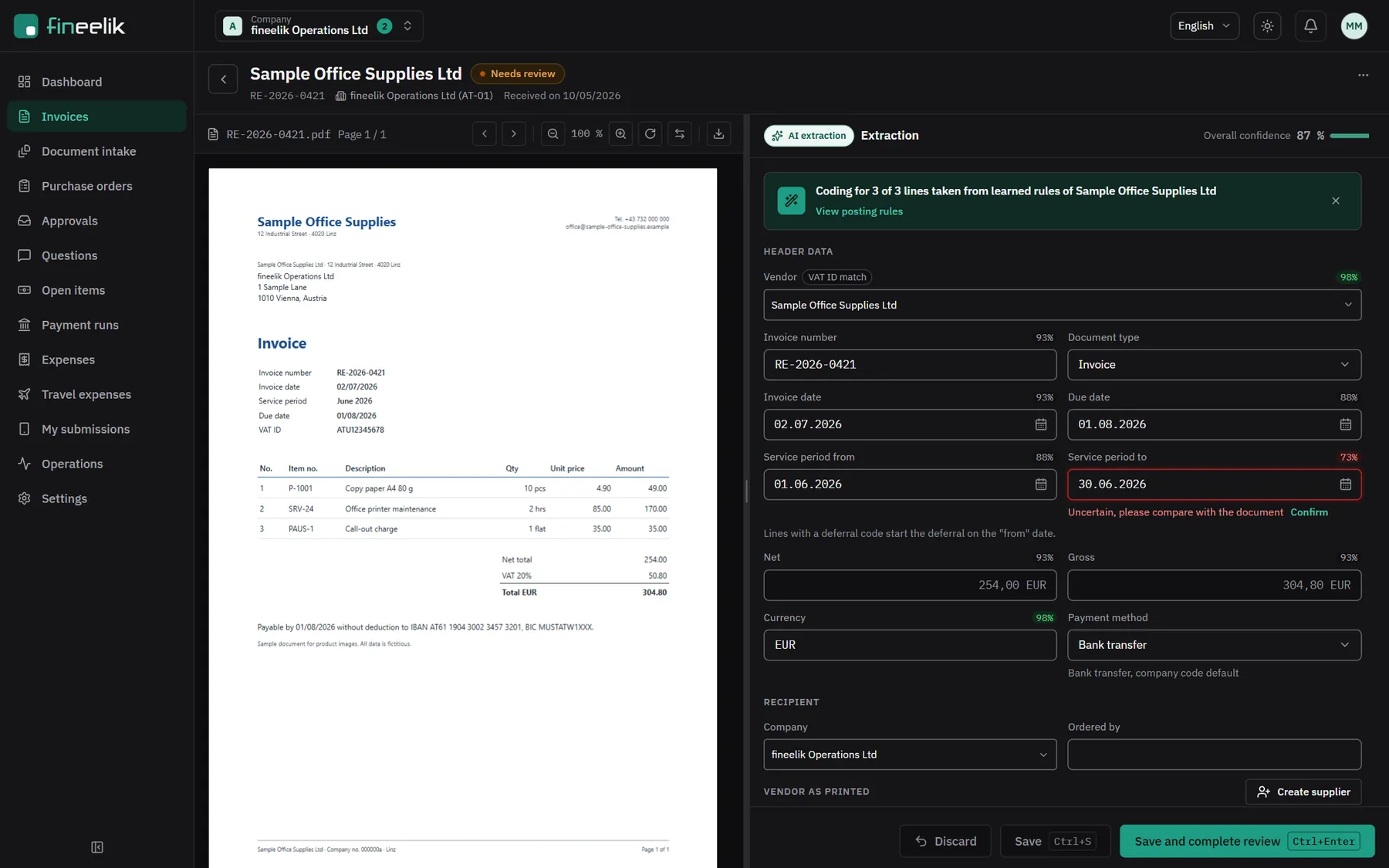
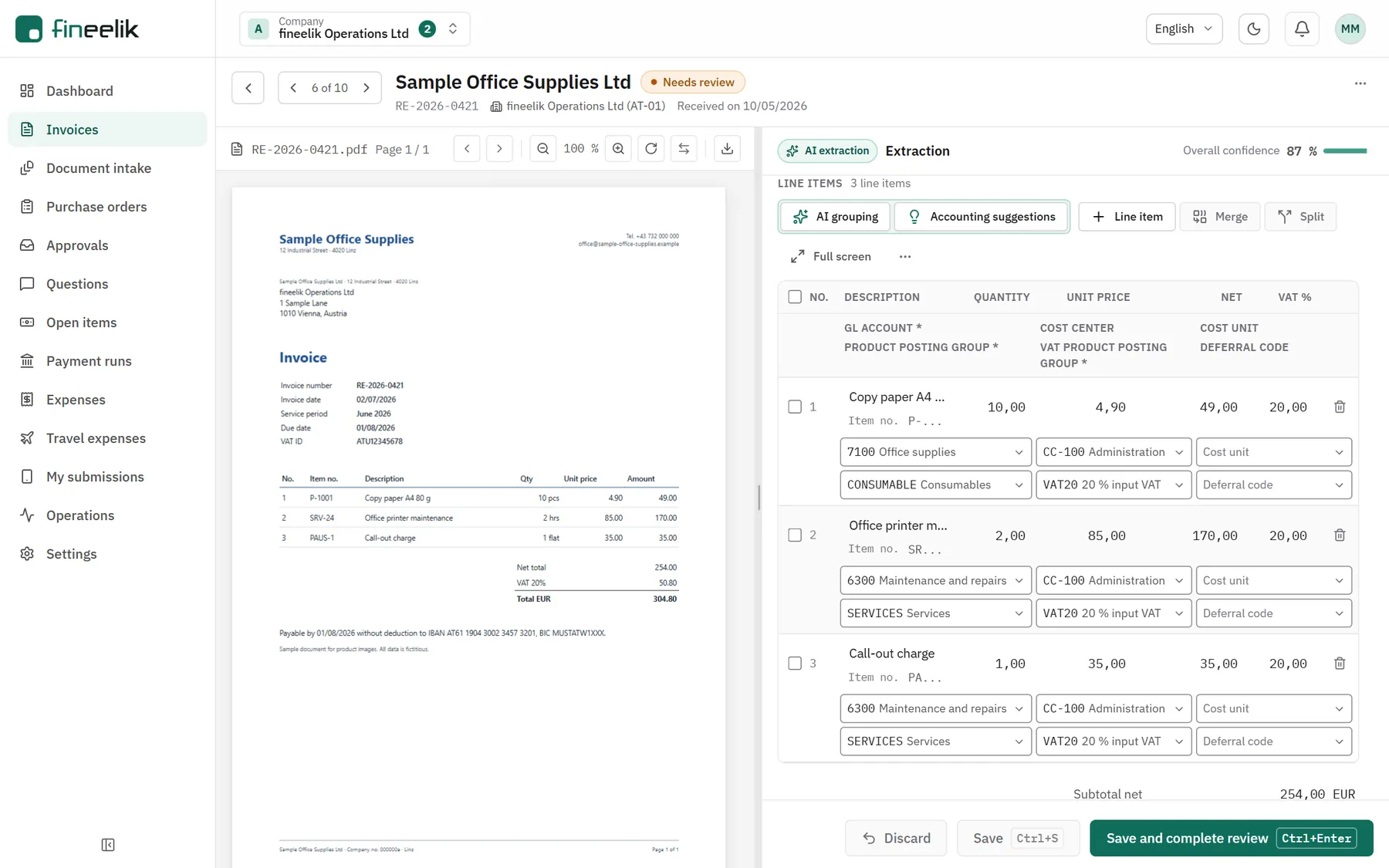
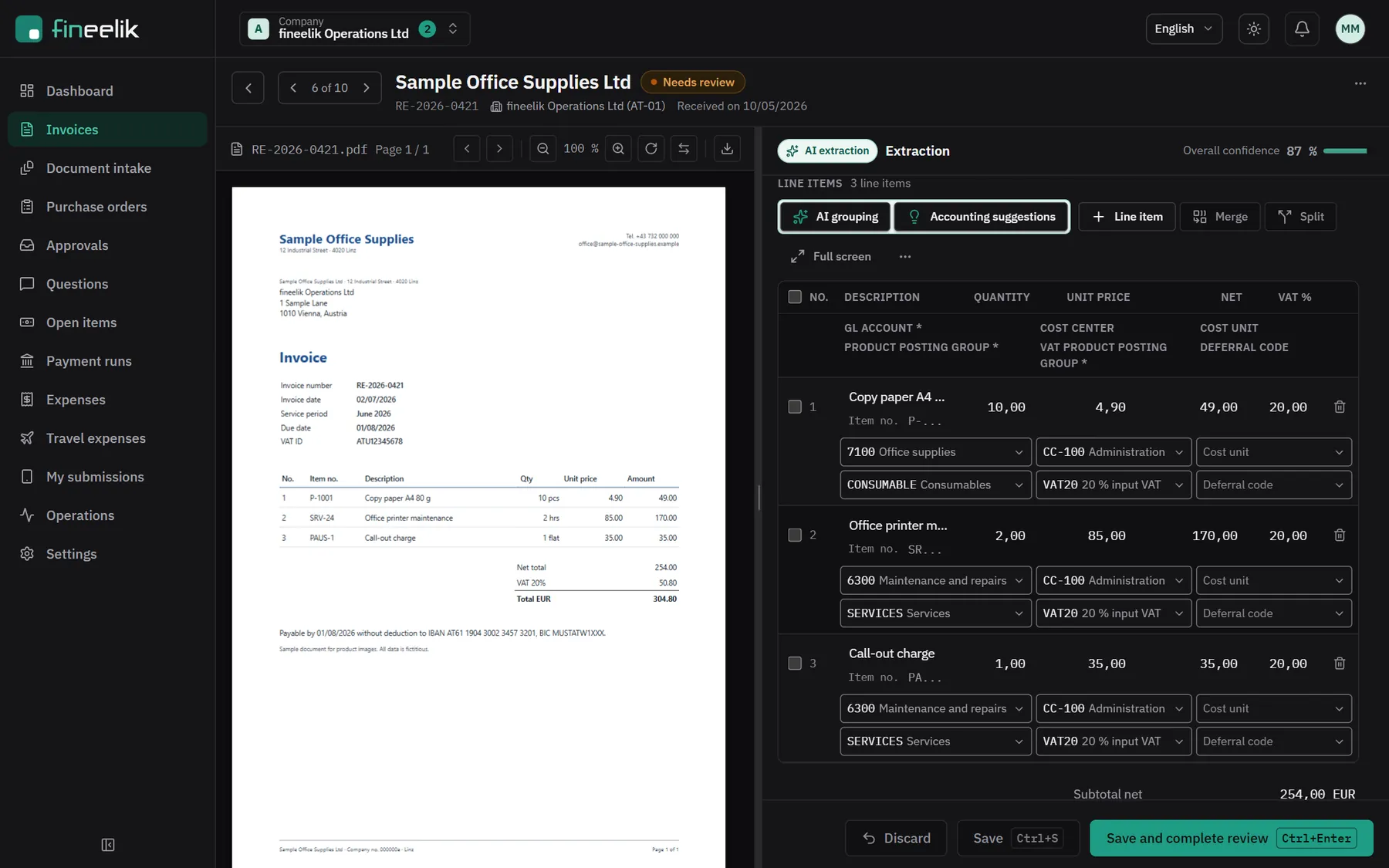
Review view in fineelik: the document on the left, the extracted header data on the rightReview view in fineelik: the document on the left, the extracted header data on the right

View full size (opens in a new tab)View full size (opens in a new tab)

2 / 5

Document and result side by side

The invoice on the left, what the AI read on the right. Uncertain fields are marked, and you confirm or correct.

  1. 1Coding taken from learned rules
  2. 2Read with low confidence: please compare with the document
Invoice lines with pre-filled coding in fineelikInvoice lines with pre-filled coding in fineelik

View full size (opens in a new tab)View full size (opens in a new tab)

3 / 5

Coding per line, already filled in

G/L account, cost centre and posting groups come from the rule for this supplier. You check and finish.

  1. 1Suggestion from the rule per supplier
  2. 2Finish, then the invoice goes to approval
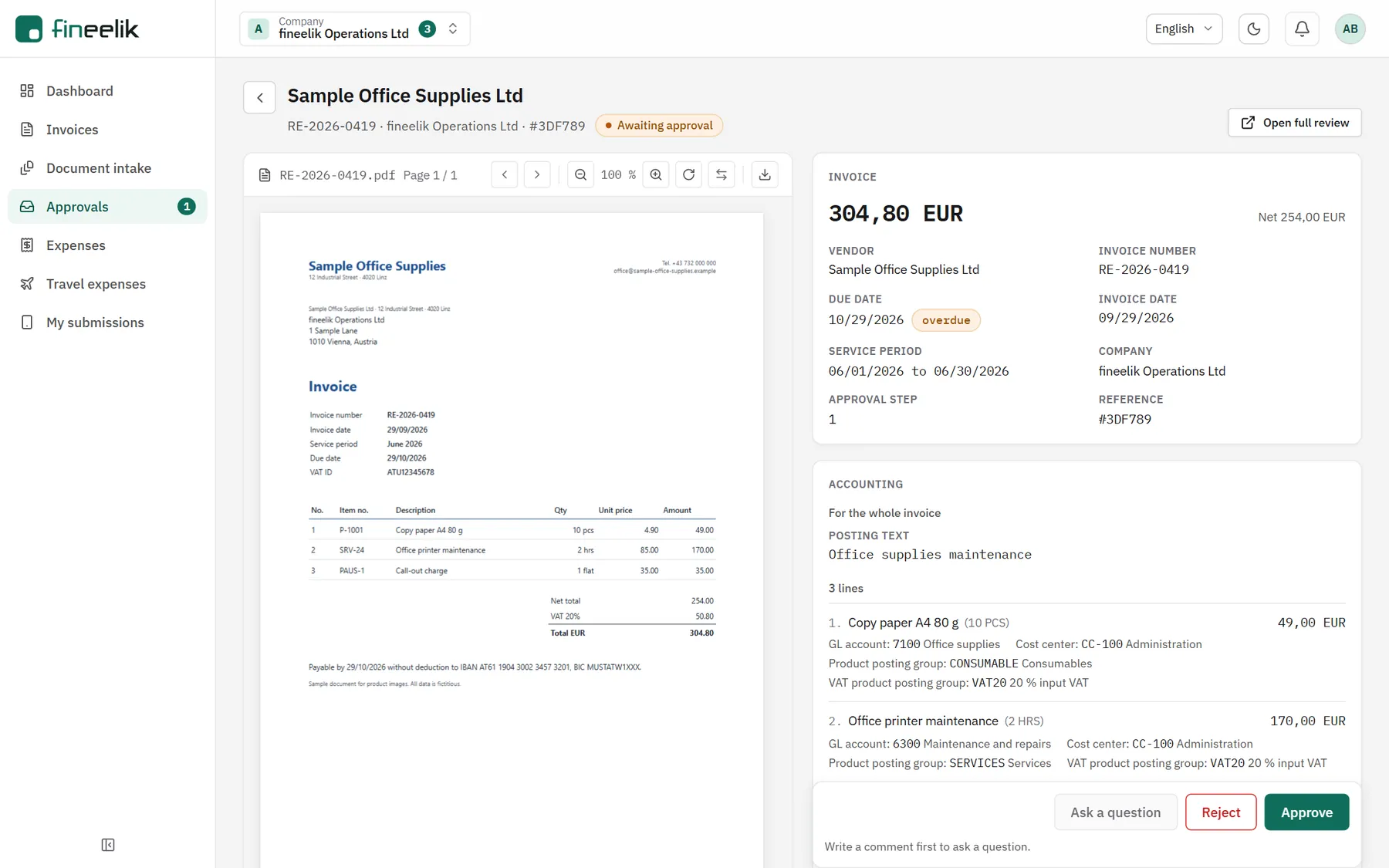
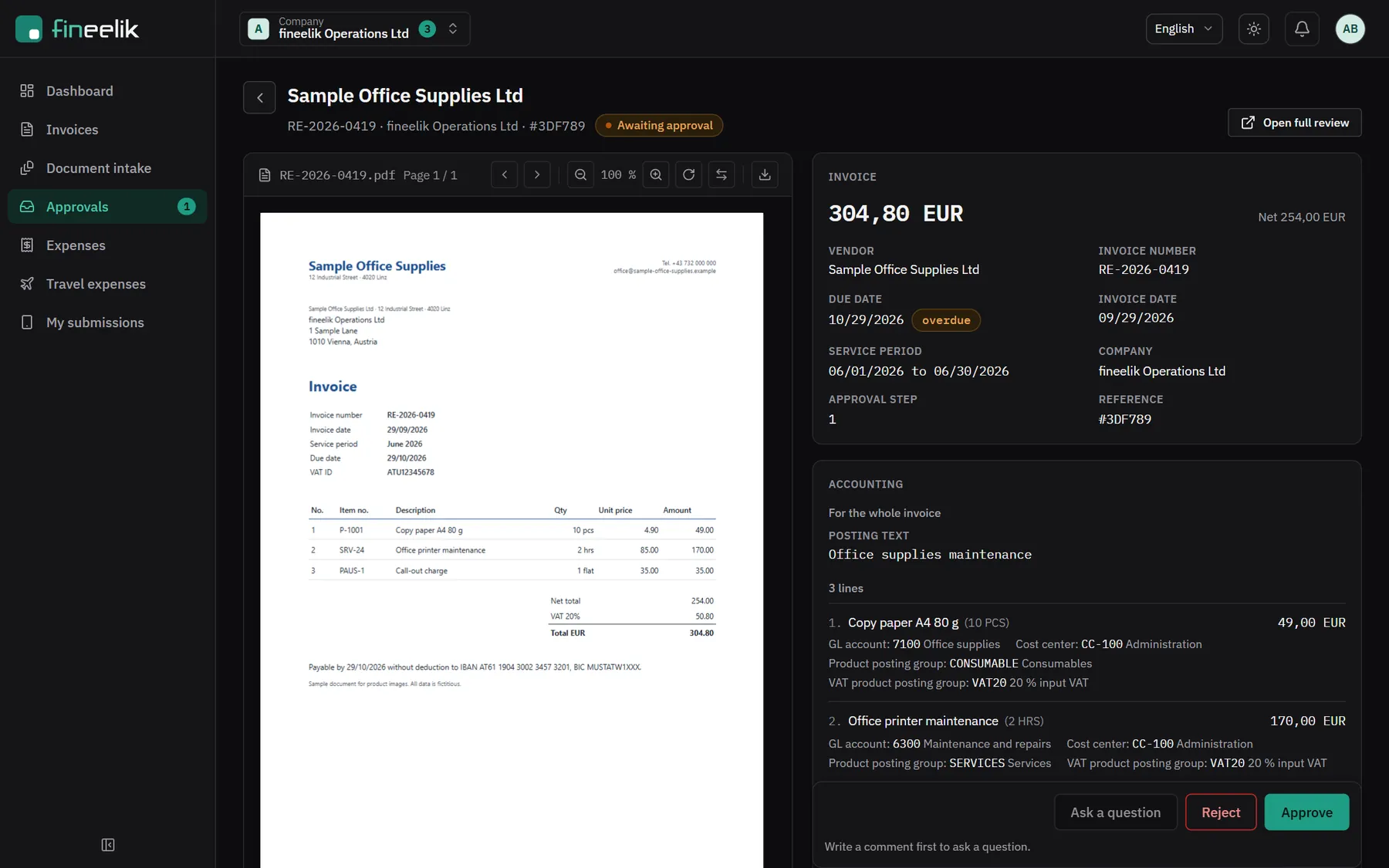
Approval view in fineelik with document, amount, coding and the Approve and Reject buttonsApproval view in fineelik with document, amount, coding and the Approve and Reject buttons

View full size (opens in a new tab)View full size (opens in a new tab)

4 / 5

Approve with everything you need

Whoever approves sees the document, the amount and the coding, and approves, rejects or asks a question.

  1. 1Coding for checking
  2. 2Approve, reject or ask a question
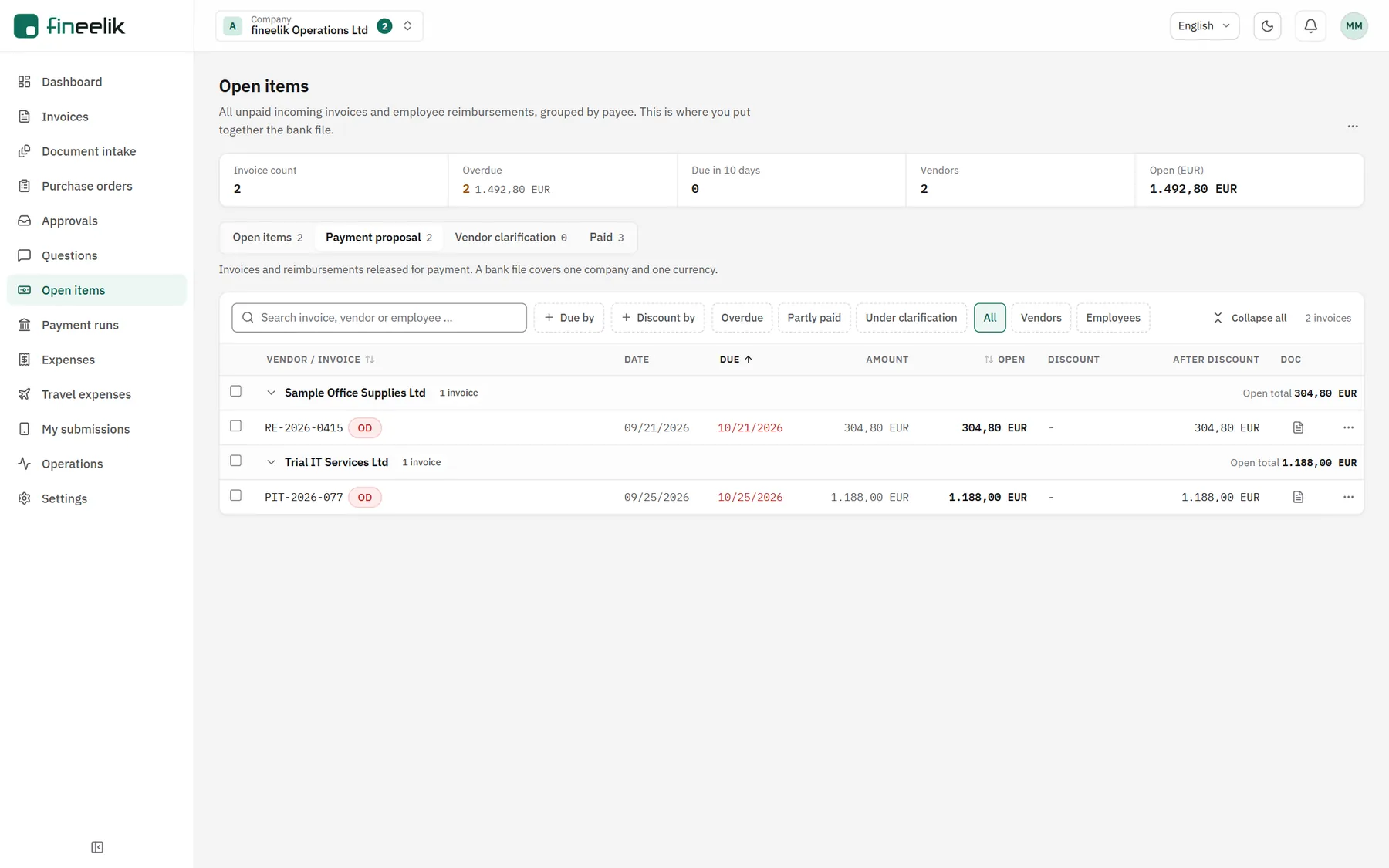
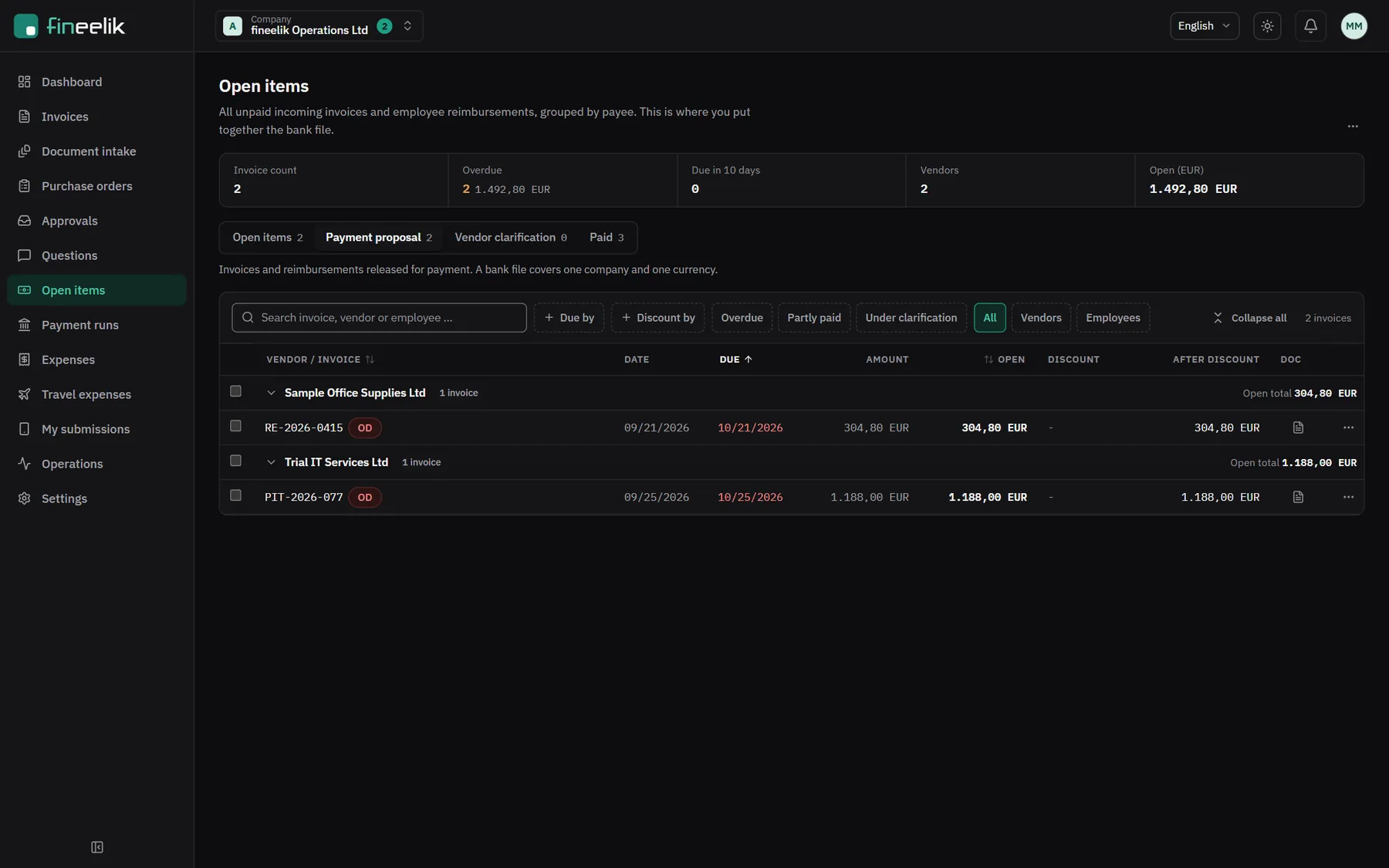
Payment proposal in fineelik, grouped by supplierPayment proposal in fineelik, grouped by supplier

View full size (opens in a new tab)View full size (opens in a new tab)

5 / 5

Payment proposal and bank file

Approved invoices land in the payment proposal. The SEPA file is created from it, a second person approves it, and you submit it in your online banking.

  1. 1Payment proposal
  2. 2Select invoices for the bank file

Videos

fineelik on video.

fineelik in 45 seconds0:43

From the pile of invoices to the bank file.

Video transcript
  1. Every month, incoming invoices arrive, often hundreds. As PDF, by upload, through the API or from your ELO.
  2. Today that often means retyping. Supplier, number, date, amounts, account. For every single invoice.
  3. fineelik reads the invoice. And checks the sums. Whatever is uncertain, a person reviews.
  4. Confirmed once, prefilled next time. Coding rules per supplier, also learned from Business Central.
  5. Approve with one click. One or more levels, with substitutes. Or in the ELO workflow.
  6. This becomes the bank file. SEPA, released by a second person, submitted in your online banking.
  7. Review incoming invoices instead of retyping them. Request a demo at fineelik.com

One document through the product0:50

One invoice from the list to the payment proposal.

Video transcript
  1. All incoming invoices in one place, with status and due date.
  2. A new invoice from Sample Office Supplies is waiting for review.
  3. The document on the left, what the AI read on the right.
  4. The coding comes from the rules learned for this supplier.
  5. A person confirms fields the AI is unsure about.
  6. G/L account, cost centre and tax are prefilled per line.
  7. The approver sees document, amount and coding, and approves.
  8. Invoices approved for payment go into the payment proposal.
  9. From there, fineelik creates the SEPA file for your online banking.
  10. Review incoming invoices instead of retyping them. Request a demo at fineelik.com

Why fineelik

fineelik remembers how you code.

Coding

Rules per supplier

Once you confirm a coding, it is already filled in on the next document from that supplier. If an ERP is connected, fineelik also learns from your invoices that are already posted. For everything else there are AI suggestions.

Supplier

Sample Timber Ltd

Spruce sawn timber, 4 m

Rule per supplier

5400 Cost of materials

CC 200 Production

Your own instance

Your own database, your own storage, servers in Germany. You can export all your data completely at any time.

Alone or with your ERP

fineelik runs on its own, with its own suppliers and accounts. If you like, connect it to Business Central, ERPNext or ELO.

Who it is for

For everyone who has a say in invoices.

For accounting

Review instead of retyping. What you confirm once is already filled in on the next document from the same supplier.

For management

A price you know in advance. Anyone who only approves costs nothing extra. Cancel monthly after three months.

For IT

Your own instance, sign-in with Microsoft, nothing to install. Runs on its own or connected to your ERP and archive.

Your numbers

How much time goes into retyping today?

Enter your values and see what capturing invoices costs you today.

Your values

Roughly is fine.

Without approval and payment.

Including non-wage labour costs, a rough figure is fine.

Per month for capturing alone

hours

Per year

How much of that fineelik takes over, we like to show with your own invoices.

See it with our invoices

New in fineelik

From the order to the payment.

fineelik takes care of more than the invoice. It also looks after everything that comes before it.

  • Purchasing

    Create, approve and send purchase orders. fineelik matches them against delivery note and invoice.

  • Document file

    Invoice, delivery notes and order confirmation in one purchase file, with the quantities already compared.

  • Mailbox and e-invoices

    fineelik picks up invoices from your mailbox and reads e-invoices straight from the file.

What is next

fineelik keeps getting better.

New features keep arriving. This is what comes next:

  • Planned

    Pantheon and Minimax

    Handover to the programs widely used in Bosnia, Slovenia and Croatia.

  • In progress

    Post directly in Business Central

    Straight from fineelik.

Your region

At home in Bosnia, Slovenia and Croatia too.

Own prices, tax rules and language, from the interface to the emails.

  • Bosna i Hercegovina

    Prices in KM, PDV 17 %, bank files for your e-banking and the travel order of the Federation.

  • Slovenija

    Own prices, DDV and ID za DDV checked, e-SLOG and Peppol.

  • Hrvatska

    Own prices, PDV and OIB checked, everything in Croatian.

Security and data protection

Built for accounting data.

Invoices contain bank details, amounts and names. That is why only those who need to see them do, everything stays traceable, and your data belongs to you.

More on security
  • Your own instance, servers in Germany

    Your own database and your own storage, in a data centre in Germany.

  • AI from the EU

    The AI reads your documents via Mistral AI, with an endpoint in the EU.

  • Second factor where money is involved

    Required for everyone who pays or assigns permissions, optional in the trial. Or you simply sign in with Microsoft.

  • Nothing disappears quietly

    Every change appears in the history, and nobody can rewrite it.

Pricing

A price you know in advance.

from€149per month

per instance, net, plus statutory taxes

All prices

Included in the base price

  • 2 professional users and 200 documents per month
  • Reading, review and AI coding
  • Export via CSV and interface
  • Servers in Germany, updates and support

Anyone who only approves or reads is included at no cost.

Getting started

How you start with fineelik.

  1. 01

    Demo

    Online, about 45 minutes, ideally with a few of your own invoices.

  2. 02

    Quote

    A fixed price for your users, modules and documents. The setup is listed as its own item.

  3. 03

    Setup

    We set up your instance, take over suppliers and accounts, and connect your ERP if you like, together with your IT.

  4. 04

    Go live

    You review the first invoices yourselves. With every confirmation, fineelik learns more.

Your contact

Portrait of Kenan Trgić

Kenan Trgić

Founder and Managing Director of eelik d.o.o.

More than twelve years of document management and system integration, mainly with ELO and Business Central. Kenan shows you fineelik himself and guides the rollout in person.

In German, Bosnian and English.

More about us

Frequently asked questions

What people often ask.

How do invoices get into fineelik?
Your suppliers send them by email as usual, and fineelik picks them up from your mailbox. Uploading and the interface work too, and with ELO they come straight from the archive. In Croatia, domestic invoices arrive as eRačun through your intermediary, more on the Croatia page.
Do we need an ERP or an archive for this?
No. You maintain suppliers and accounts directly in fineelik or import them by CSV, and finished invoices go out as an export to your accounting team or tax adviser. You can connect Business Central, ERPNext, ELO and BMD NTCS at any time, more under Integrations.
Does this also work with ELO in the cloud?
Yes, as long as ELO Invoice is installed there. More under ELO.
What happens when the AI is unsure?
Then a person takes a look. If a total does not add up or the supplier is new, the document goes to review. Whatever is recognised reliably moves on without a stop.
Where is our data?
In your own instance, on servers in Germany. More under Security.
What does fineelik cost?
From €149 per month per instance, net. Anyone who only approves or reads pays nothing. All prices and a calculator are under Pricing.
Can we try fineelik first?
Yes, free for 14 days and without a card: start a trial. Or see fineelik in a demo with your own invoices.

See fineelik with your own invoices.

In 45 minutes we show you intake, review and coding, and work out how fineelik connects to your system.